Parivar Register Nakal — How to Get a Certified Copy of Your Family Register
Every Gram Panchayat in Uttar Pradesh maintains a Parivar Register — a household-wise register in which the names of the head of the family and all its members, with their ages and relationship to the head, are recorded. The Parivar Register Nakal is simply a certified copy of your family's page from that register, signed and sealed by the Panchayat Secretary.
This one document quietly supports a surprising amount of everyday work:
- Applying for a new ration card, or adding and removing names in an existing one
- Widow pension, old-age pension and other family-based benefit schemes
- Inheritance and succession — proving who the legal family members of a deceased person are
- Property matters within the village, and school or scholarship applications that ask for family details
You can apply for the Nakal online through eSathi or ask for it at your Gram Panchayat. This page explains both routes, the documents involved, and — just as important — how to get the register entry itself corrected when a name is missing or outdated. If your work also involves a death in the family, you may need the death certificate first, because register updates after a death are based on it.
Parivar Register Nakal — Quick Information
| What it is | Certified copy of your family's entry in the Gram Panchayat's Parivar Register |
|---|---|
| Issued by | Gram Panchayat (Panchayat Secretary), applied for online via eSathi or offline at the Panchayat / CSC |
| Fee on eSathi | ₹10–15 (self-application) |
| Fee at CSC | ₹30 government fee + around ₹30–50 facilitation charge |
| Processing time | Usually 7–15 working days |
| Validity | No fixed expiry, but offices usually prefer a copy issued within the last 6–12 months |
| Helpline | 0522-2304706 · [email protected] |
Parivar Register Is NOT the UP Family ID — Do Not Confuse Them
This is the single most common confusion in this area, and it delays a lot of applications. The two records sound similar but are entirely separate:
| Point | Parivar Register (Nakal) | UP Family ID |
|---|---|---|
| What it is | A paper register of households kept by the Gram Panchayat for many years | A modern digital family ID under the "Ek Parivar Ek Pehchan" scheme |
| Where it comes from | Your village's Gram Panchayat; Nakal applied for via eSathi or the Panchayat | Online registration at familyid.up.gov.in |
| What you receive | A certified copy of the register page showing all family members | A unique Family ID number for the household |
| Where it is used | Ration card, pension, inheritance and village-level work | Linking the family to government schemes and services |
Having a Family ID does not create or change your Parivar Register entry, and having a Nakal does not give you a Family ID. Check which of the two the office in front of you is actually asking for.
Documents Required
The Nakal only reproduces what is already written in the register, so the document list is short. Keep clear copies under 100KB each if you apply online.
- Applicant's Aadhaar card or any government photo ID
- Ration card of the family (helps the Panchayat locate the exact register entry)
- Any older copy of the Parivar Register Nakal, if you have one — the fastest way to find the entry
- Details of the head of the family exactly as recorded in the register
- For updates: birth certificate for adding a child, death certificate for removing a deceased member, marriage record where a spouse is to be added
How to Apply for Parivar Register Nakal Online — Step by Step
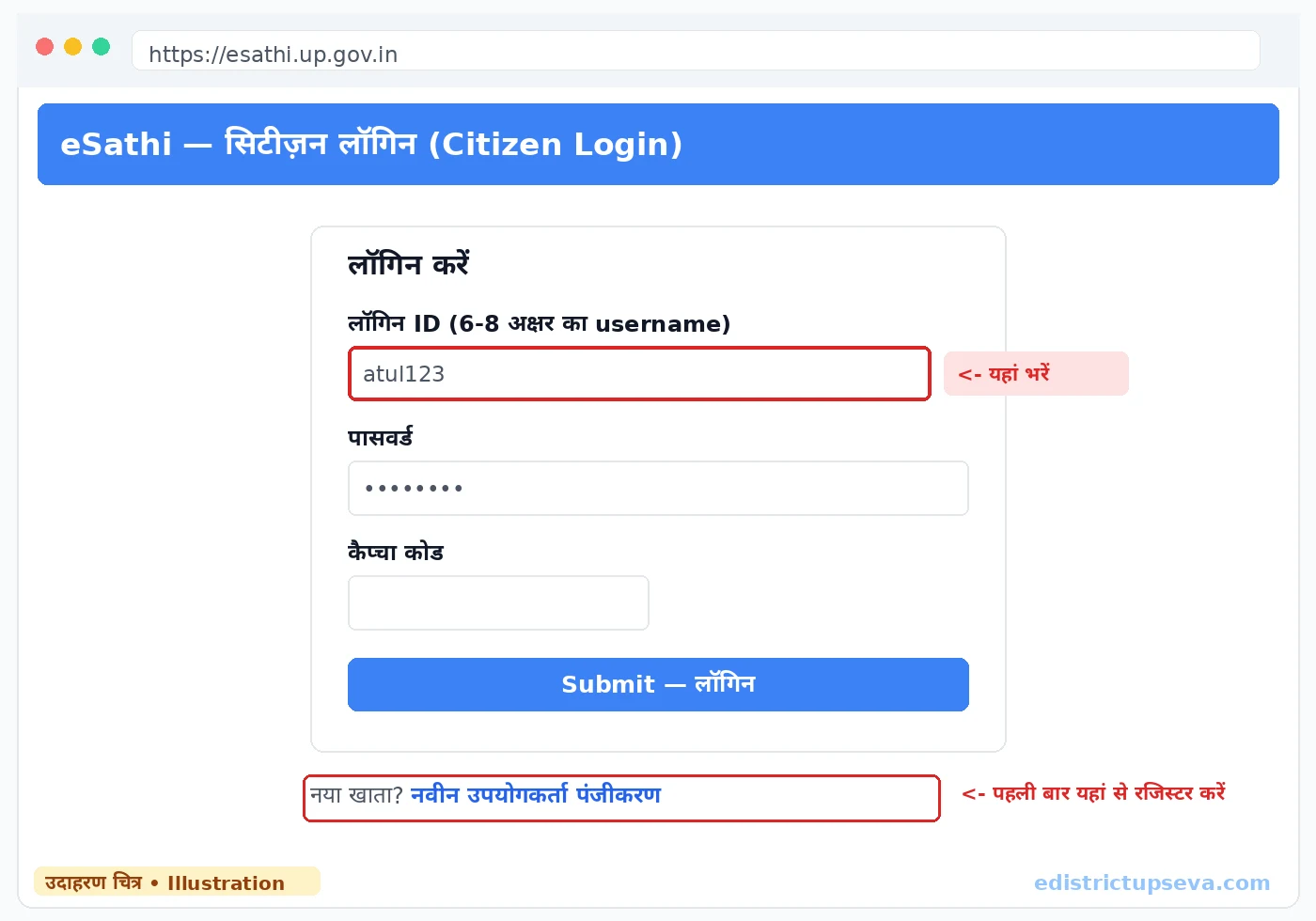
No computer at home? A CSC operator can file the same application for the standard charges explained in our CSC guide. You can also walk into the Gram Panchayat office directly — the Secretary issues the Nakal from the register kept there.
Fees for Parivar Register Nakal
| Channel | Government Fee | Extra Charge | Typical Total |
|---|---|---|---|
| eSathi (apply yourself) | ₹10–15 | None | ₹10–15 |
| CSC / Jan Seva Kendra | ₹30 | ₹30–50 facilitation | ₹60–80 |
| Gram Panchayat (offline) | As per Panchayat fee | None | Small fee — take the receipt |
The Nakal is a low-fee document. If anyone asks for a large amount to "get the entry made", stop — entries are corrected through the Panchayat process described below, not through payments to middlemen.
Adding or Removing Family Members in the Register
A Nakal can only show what the register contains, so if the family has changed, update the register first and take the copy afterwards. The usual updates are:
- Adding a newborn: after the birth is registered, apply at the Gram Panchayat with the child's birth certificate so the name is entered in the family entry.
- Adding a spouse after marriage: the bride or groom joining the household is added on the basis of the marriage record and ID proofs, and removed from the parental home's entry where applicable.
- Removing a deceased member: submit the death certificate at the Panchayat; the entry is updated and only then will pension, ration card and succession work proceed smoothly.
- Correcting a name or age: spelling and age corrections are made by the Panchayat Secretary against documents such as Aadhaar, school records or the birth certificate.
These updates are handled at the Gram Panchayat of the village where the family is registered, even if the family has moved to a town for work. After the register is corrected, apply for a fresh Nakal — older copies will still show the old details.
How to Check Status and Download
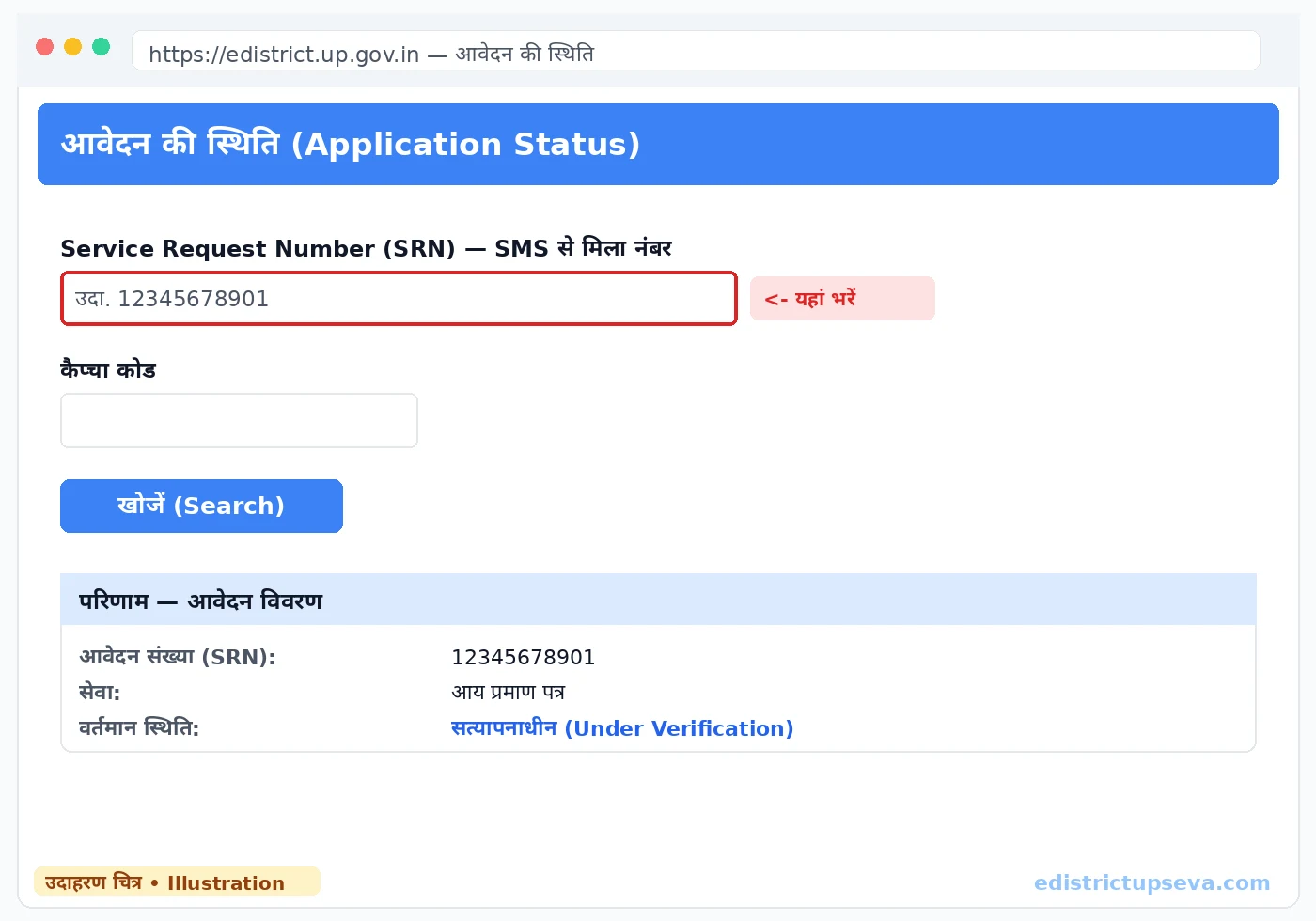
Use the status check on the eDistrict portal with your SRN to see whether the application is still with the Panchayat or has been approved. When the status shows the certificate as generated, log in to eSathi, open the completed application and save the PDF through the Print option. The copy also reaches DigiLocker under Issued Documents after a few days. For a stamped paper copy, the Gram Panchayat remains the simplest source.
Common Problems and How to Solve Them
- "Our family has no entry in the register": long-settled families are almost always recorded; ask the Secretary to search under the names of the grandfather or the previous head of family, since entries often continue under an older name.
- Wrong Panchayat selected in the application: if the family belongs to a different Gram Panchayat, the application will be returned. Cancel and re-apply with the correct block and Panchayat.
- Name in the register differs from Aadhaar: get the register corrected first with supporting documents, then take the Nakal — a copy that contradicts your other IDs creates problems everywhere it is submitted.
- Application stuck for weeks: verification depends on the Panchayat office. Visit the Panchayat with your SRN, and if there is still no movement, use the portal helpline 0522-2304706 or write to [email protected].
Related Guides
Frequently Asked Questions
What is a Parivar Register Nakal?
Is the Parivar Register the same as the UP Family ID?
What is the fee and how long does it take?
My family's names are missing or wrong in the register. What should I do?
Can a family living in a town or city get a Parivar Register Nakal?
For how long is a Parivar Register Nakal valid?
Is the Parivar Register Nakal accepted for a ration card and pension work?
Last updated: 22 October 2026